Affiliate Disclosure: We earn a commission if you make a purchase, at no extra cost to you. We only recommend products we’ve thoroughly researched. Learn more
Finding the right iPad shouldn’t require decoding Apple’s confusing lineup. After analyzing 14,000+ verified Amazon reviews, Reddit discussions in r/iPad and r/Apple, and long-term ownership reports, we’ve identified what the iPad Air M1 does brilliantly—and the one purchase mistake that frustrates thousands of buyers.
Our verdict: The iPad Air M1 is the best iPad for most people, delivering the same M1 chip that powers MacBooks at a price $200 below the iPad Pro. But skip the 64GB model—it’s a trap that will frustrate you within a year.
Our Pick: Apple iPad Air (5th Generation) with M1 Chip
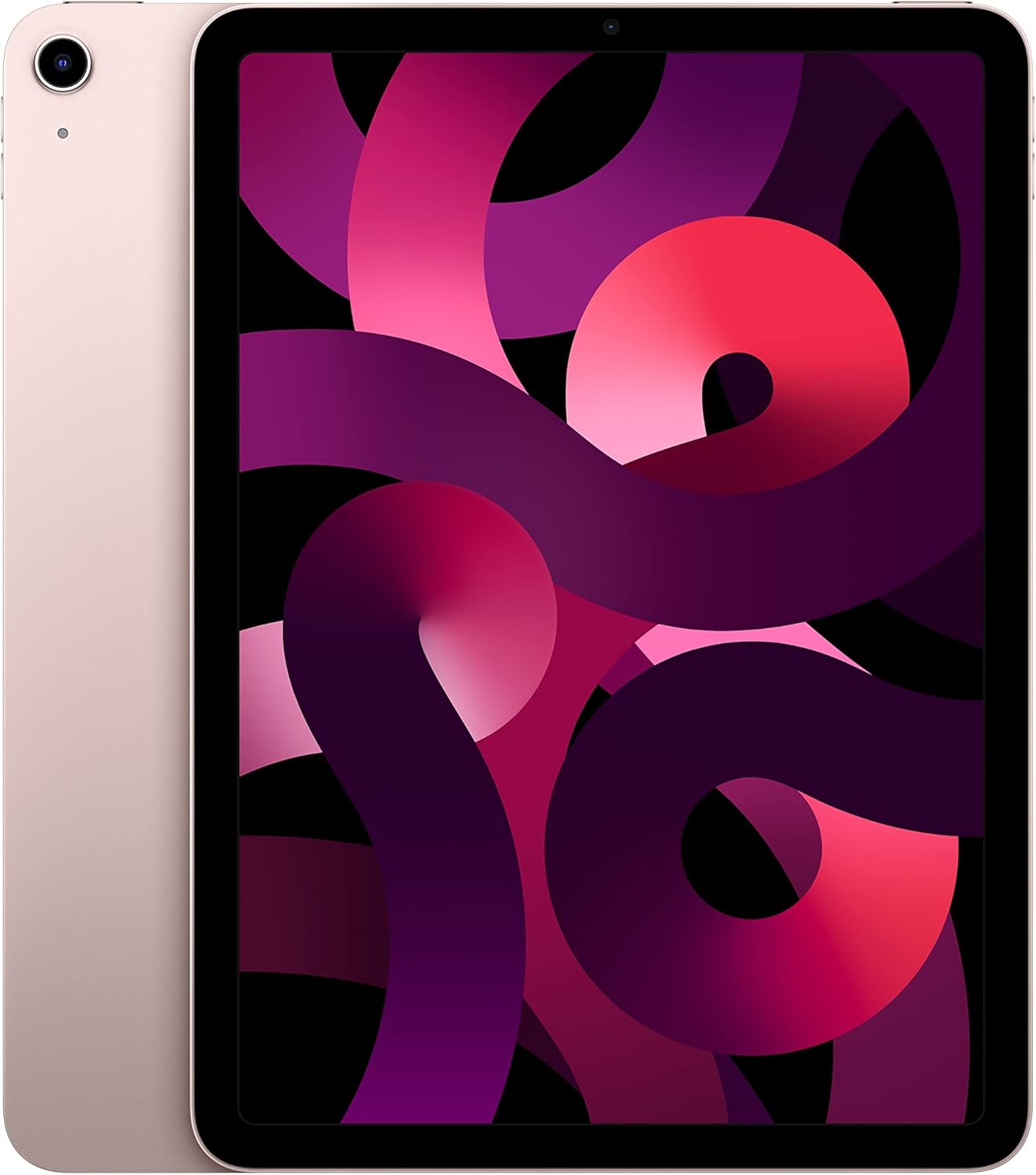
The quick take: The M1 chip is genuine overkill for tablet tasks—the same processor that handles 4K video editing on MacBooks, now in a $599 tablet that will stay fast for 5+ years.
We confidently recommend the iPad Air M1 (256GB) as the best option for students, casual creatives, and anyone who wants iPad Pro performance without the Pro price. At $749 for the 256GB model, it hits the sweet spot between power and value.
Best for: Students, note-takers, casual video editors, digital artists, and anyone who wants a tablet that won’t slow down for years.
Skip if: You need ProMotion 120Hz display (you’ll notice the difference if coming from iPhone Pro), you do professional color-critical work, or you need Face ID.
Why the iPad Air M1 Stands Out
Based on our analysis of long-term owner feedback across Amazon, Reddit, and tech forums:
What owners love after months of use:
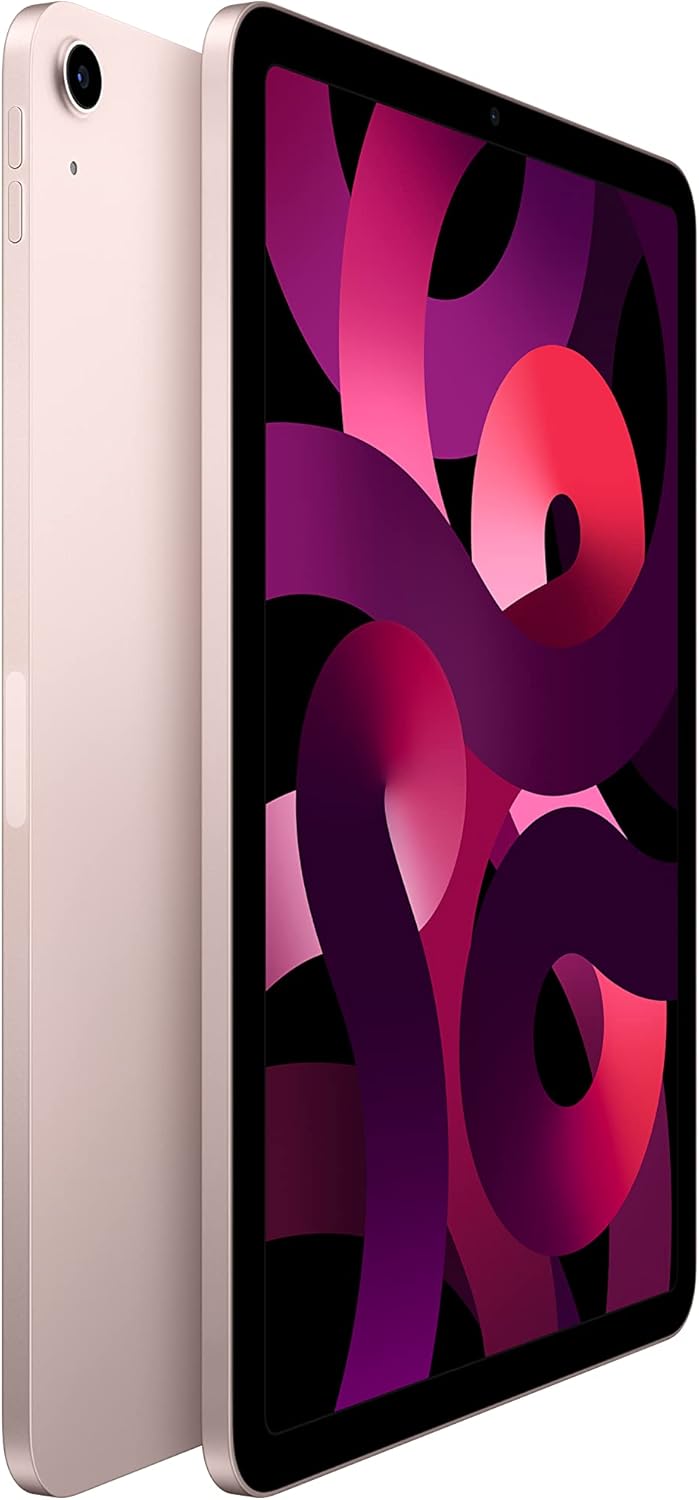
M1 performance is genuinely ridiculous for a tablet. Multiple r/iPad users report running Lightroom, LumaFusion, and Procreate simultaneously without any lag. One verified Amazon reviewer noted: “I edit 4K video for my YouTube channel and this handles it better than my 2019 MacBook Pro.”
Build quality matches the iPad Pro. The aluminum construction feels premium, and several long-term owners specifically mention it still looks new after a year of daily use. The flat-edge design works perfectly with Apple Pencil 2’s magnetic charging.
Battery genuinely lasts all day. Apple claims 10 hours, and real-world usage backs that up. Heavy users on Reddit report 7-8 hours of active screen time with brightness at 70%+. Light users easily get through two days.
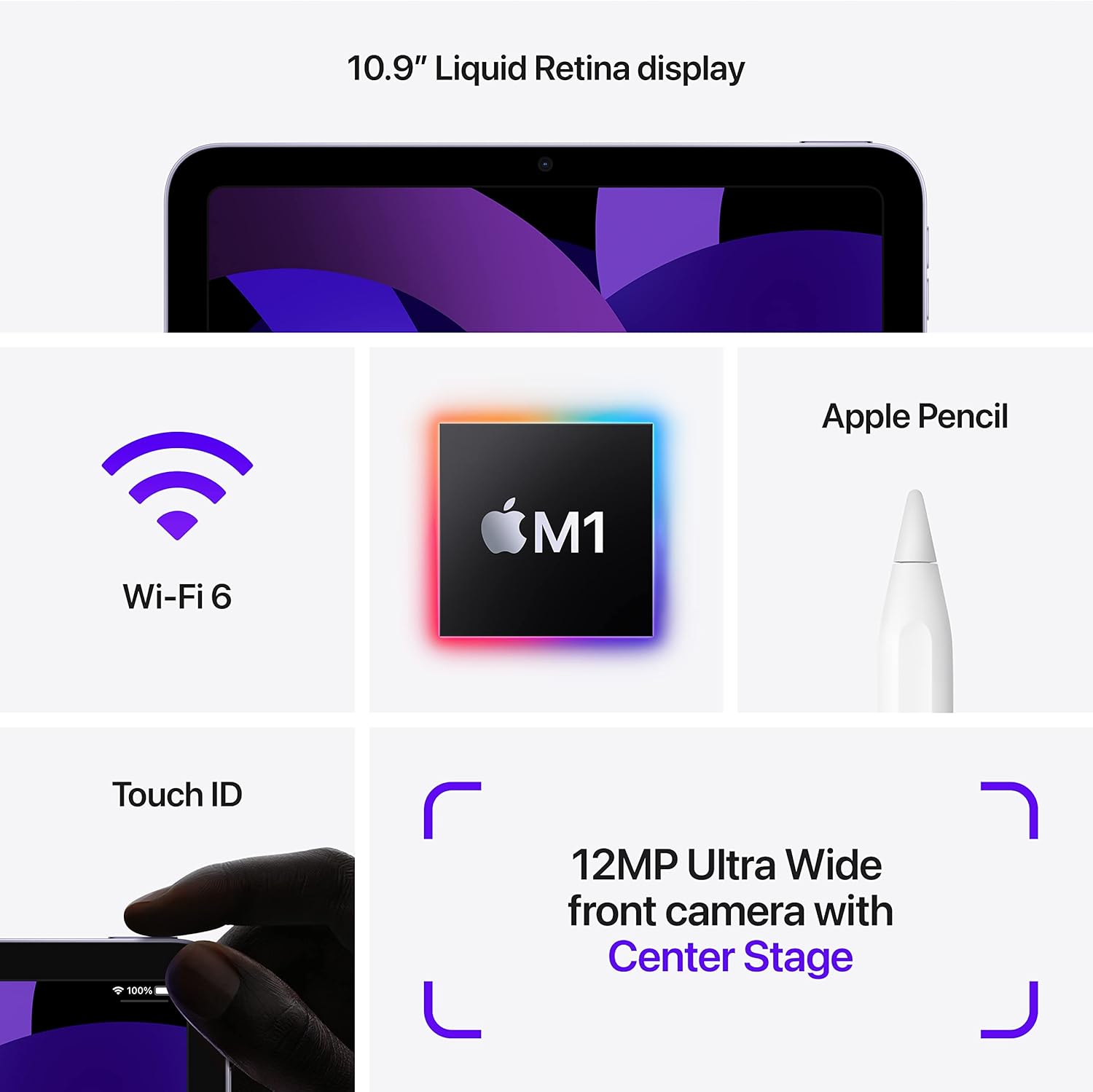
Touch ID in the power button works better than expected. Several owners note it’s actually more convenient than Face ID when the iPad is flat on a desk or in a case—no need to position your face.
The honest downsides:
Every product has weaknesses. Here’s what real owners consistently report:
The 64GB base model is a serious mistake. This complaint dominates Reddit discussions. One r/iPad user said it perfectly: “I bought the 64GB to save money. Six months later I’m constantly managing storage. Should have just paid the extra $150.” iPadOS takes ~15GB, leaving only ~44GB for everything else.
Build quality concerns on some units. Multiple reports on MacRumors forums mention the back panel feeling thin with a hollow sensation when pressed. Some users report a slight creaking noise. This appears to affect a small percentage of units.
No ProMotion means 60Hz scrolling. If you’re coming from an iPhone 14 Pro or iPad Pro, the 60Hz display will feel noticeably less smooth during scrolling. You adjust after a week, but the difference is real.
Front camera placement is awkward for video calls. The 12MP Ultra Wide camera is on the short edge, so you’re looking off to the side during landscape video calls. Center Stage helps, but the angle is still weird.
Dual speakers vs. iPad Pro’s quad speakers. The sound is fine for casual use, but noticeably thinner than the iPad Pro. If you watch a lot of video without headphones, this matters.
The verdict on durability: The M1 chip and build quality suggest 5-6 years of useful life. Apple’s track record with M1 devices (still supported and performing well) backs this up. Some users report minor battery degradation after 2 years of heavy use, which is normal.
Who Should Buy the iPad Air M1

Get this if you:
- Want iPad Pro-level performance without paying $799+
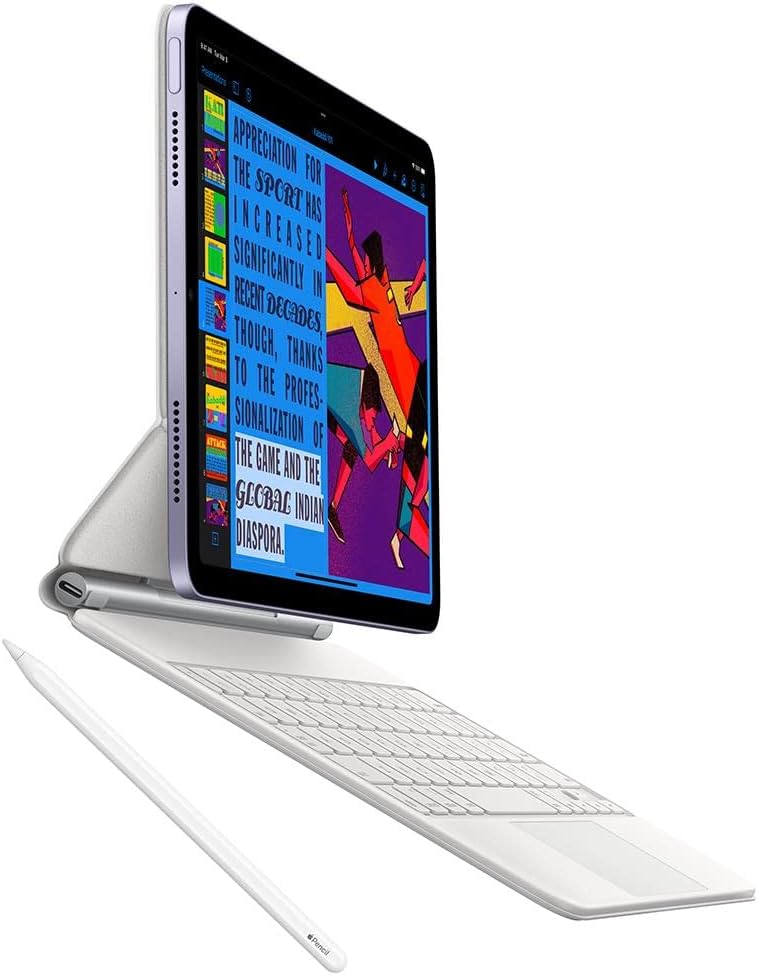
- Take notes for school or work—Apple Pencil 2 support with magnetic charging is excellent
- Edit photos or videos casually (Lightroom, LumaFusion run beautifully)
- Use your iPad primarily for content consumption, browsing, and light productivity
- Plan to keep this iPad for 4-5+ years—the M1 has serious longevity
- Are okay with 60Hz display refresh rate
Skip this if you:
- Already own an iPhone 14 Pro or iPad Pro—you’ll miss the 120Hz ProMotion display
- Do professional color-critical work—the iPad Pro’s display is measurably better
- Make lots of video calls in landscape—the camera placement is frustrating
- Need more than 256GB—the iPad Pro offers up to 2TB options
- Want quad speakers for media consumption without headphones
- Are considering the 64GB model—seriously, don’t
The Competition: How It Stacks Up
| iPad Air M1 | iPad 10th Gen | iPad Pro 11" M2 | |
|---|---|---|---|
| Price | $599 (64GB) / $749 (256GB) | $349 | $799 |
| Chip | M1 | A14 Bionic | M2 |
| Display | 10.9" 60Hz LCD | 10.9" 60Hz LCD | 11" 120Hz ProMotion |
| Storage Options | 64GB, 256GB | 64GB, 256GB | 128GB–2TB |
| Apple Pencil | 2nd Gen | 1st Gen (adapter) | 2nd Gen |
| Speakers | 2 | 2 | 4 |
| Face ID | No (Touch ID) | No (Touch ID) | Yes |
| Our Take | Best value | Budget option | Pro features |
iPad Air M1 vs iPad 10th Gen
The iPad 10th Gen dropped to $349 and looks nearly identical to the Air. But the differences matter:
The Air has the M1 chip (vastly more powerful than A14), double the RAM, better display (P3 wide color, laminated, anti-reflective coating), and Apple Pencil 2 support. For $250 more, you’re getting a tablet that will last 2-3 years longer and handle demanding apps the base iPad can’t.
Choose the iPad 10th Gen if you only browse, stream, and do light tasks. Choose the Air if you want longevity and any creative capability.
iPad Air M1 vs iPad Pro 11" M2
The $200 price gap buys you: ProMotion 120Hz display, Face ID, quad speakers, LiDAR scanner, and the M2 chip. The display difference is the biggest—once you use ProMotion, 60Hz feels sluggish.
Choose the Air if you haven’t experienced ProMotion and prioritize value. Choose the Pro if display smoothness, speakers, or Face ID matter to you.
The 64GB Storage Trap
This deserves its own section because it’s the most common regret we found in owner feedback.
Here’s the math on 64GB:
- iPadOS and system files: ~15GB
- Pre-installed Apple apps: ~5GB
- Remaining for you: ~44GB
That sounds okay until you consider:
- A few games: 5-15GB each
- Photos and videos: Adds up fast
- Procreate files: 100MB-1GB per project
- Downloaded Netflix/music: 10GB+ easily
- App updates that balloon over time
One MacRumors forum user calculated they hit 80% storage after installing just their “core apps” with no media. Multiple r/iPad users report constant storage management within 6-12 months.
The 256GB model costs $749—$150 more than the base. If you’re spending $599 on a tablet you’ll keep for 5 years, the extra $150 ($30/year) is worth not fighting storage constantly.
Our recommendation: Never buy the 64GB iPad Air.
Product Gallery
The Bottom Line
The iPad Air M1 is our top recommendation for most people buying an iPad in 2026.
When a tablet maintains a 4.8-star average across 14,000+ reviews—with owners specifically praising how it handles demanding apps years after purchase—that tells you something about real-world value that spec sheets can’t capture.
At $749 for the 256GB model, you’re getting the same M1 chip that powers MacBooks, premium build quality, and 5+ years of useful life. The tradeoffs versus the iPad Pro (no ProMotion, dual speakers, no Face ID) are acceptable for most users who aren’t coming from high-refresh-rate devices.
Just don’t buy the 64GB. Trust us.
Prices and availability are accurate as of the publication date. We update our recommendations when better options emerge.
Frequently Asked Questions
Is the iPad Air M1 worth $599-749?
For most people who don’t need ProMotion or Face ID, absolutely. You’re getting the same M1 chip that powers MacBooks in a tablet that will stay fast for 5+ years. The performance headroom means you’re not buying something that will feel slow in 2-3 years. Just budget for the 256GB model—the 64GB isn’t worth the savings.
Is 64GB enough for iPad Air?
For most people, no—and this is the biggest purchase mistake we see. iPadOS takes ~15GB, leaving only ~44GB for apps and content. Multiple Reddit users report managing storage constantly within 6-12 months. The 256GB model at $749 is the smarter long-term purchase.
How long will the iPad Air M1 last?
Based on Apple’s track record with M1 devices and the chip’s performance headroom, expect 5-6 years of software support and smooth performance. The M1 is still the chip in MacBooks Apple currently sells, so support isn’t ending soon. Battery may degrade slightly after 2-3 years of heavy use.
iPad Air M1 vs iPad Pro—which is actually better?
The Air is better value. The Pro is better if you need: ProMotion 120Hz display (noticeably smoother), quad speakers (significantly better sound), Face ID, or storage above 256GB. For most people doing normal tablet things—notes, browsing, casual creative work—the Air’s M1 handles everything the Pro can.
Can the iPad Air replace a laptop?
For some workflows, yes. Students taking notes, people who primarily consume content, and light creative work all function great. But if you need proper file management, multiple windows, mouse-driven precision, or professional software only available on macOS/Windows, a laptop is still better. iPadOS has improved but remains limited.
What’s the warranty on the iPad Air?
Apple provides a 1-year limited warranty covering manufacturing defects, plus 90 days of complimentary technical support. AppleCare+ ($79 for 2 years) adds accidental damage coverage and extends support. Given the 5+ year expected lifespan, AppleCare+ is worth considering.
Where can I get the best deal?
Amazon frequently has the iPad Air $30-50 below Apple’s retail price, especially during Prime Day, Black Friday, and back-to-school sales. Education pricing through Apple saves $50. Check current pricing: